Invoices
Create and manage invoices from customer records, with document generation and payment status in the workspace.
CRM & team operations
Connect contacts, communication, projects, and billing in one workspace. Keep the context behind each relationship available to the team, from the first conversation to the next invoice.
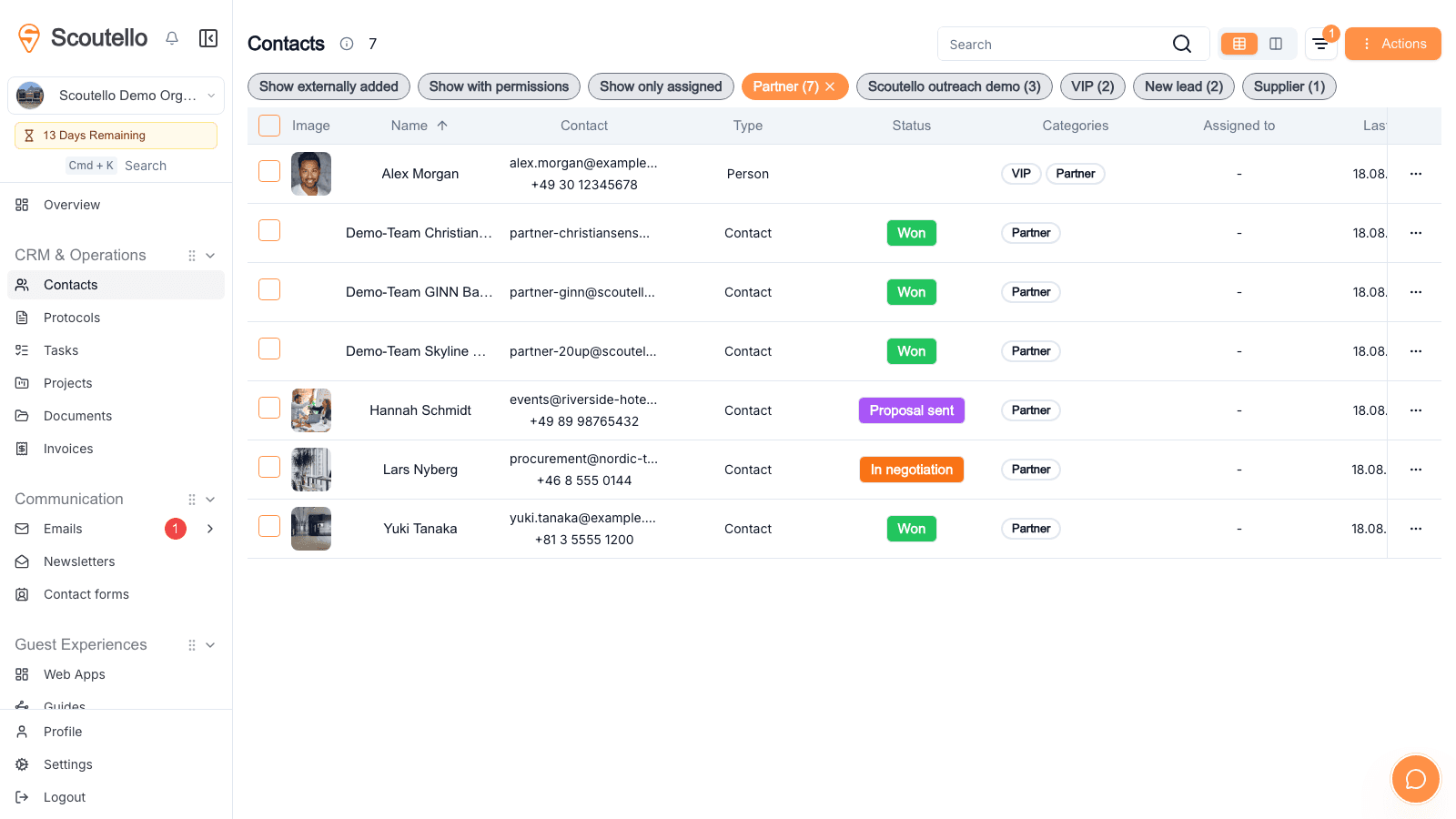
For teams coordinating customers, partners, members, and projects. Keep the information and the work together as relationships develop.
01 / Understand
Build a useful record of people and organizations. Connect relationships, categorize contacts, and keep notes and conversation history where the next colleague can find them.
02 / Communicate
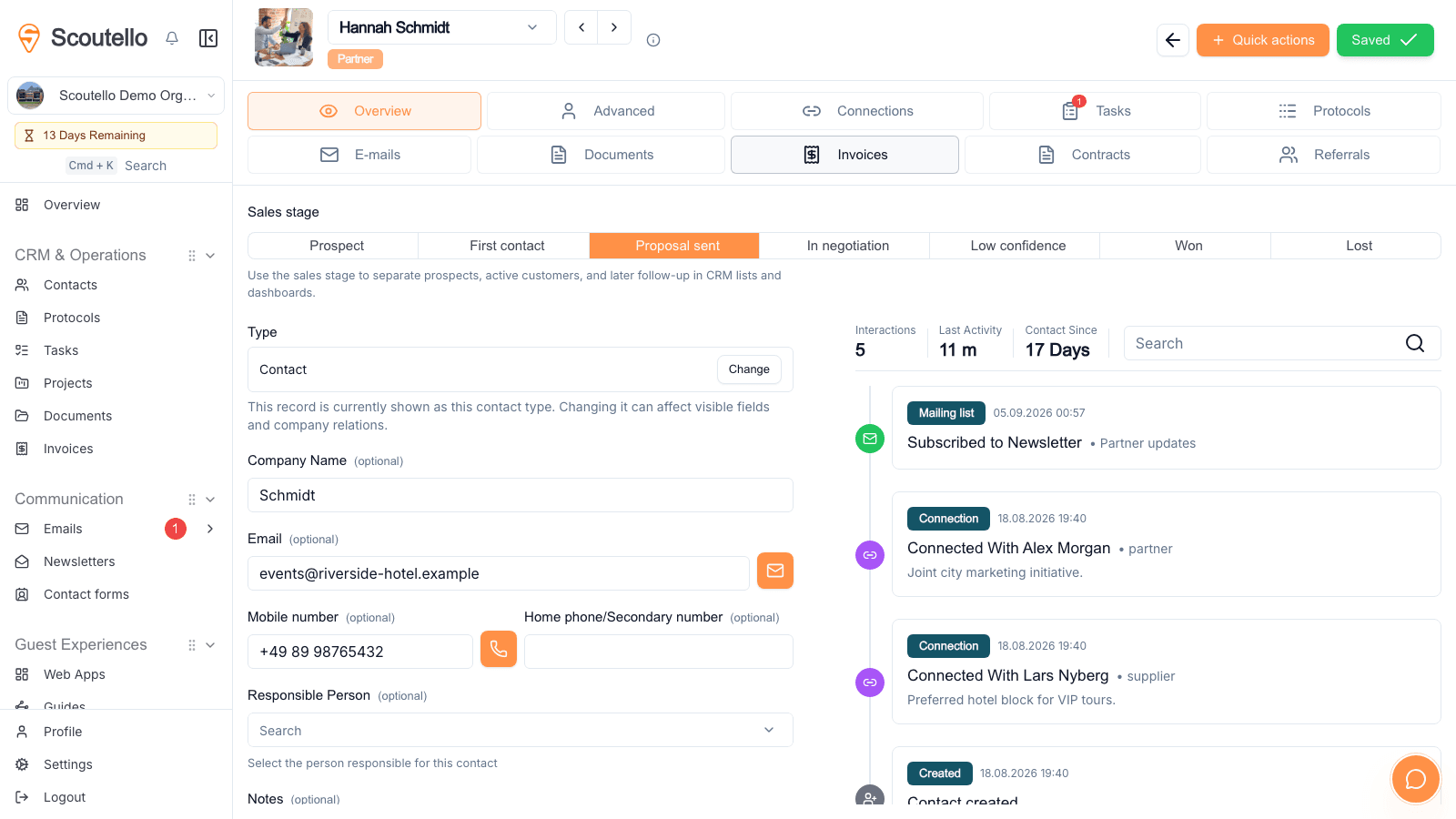
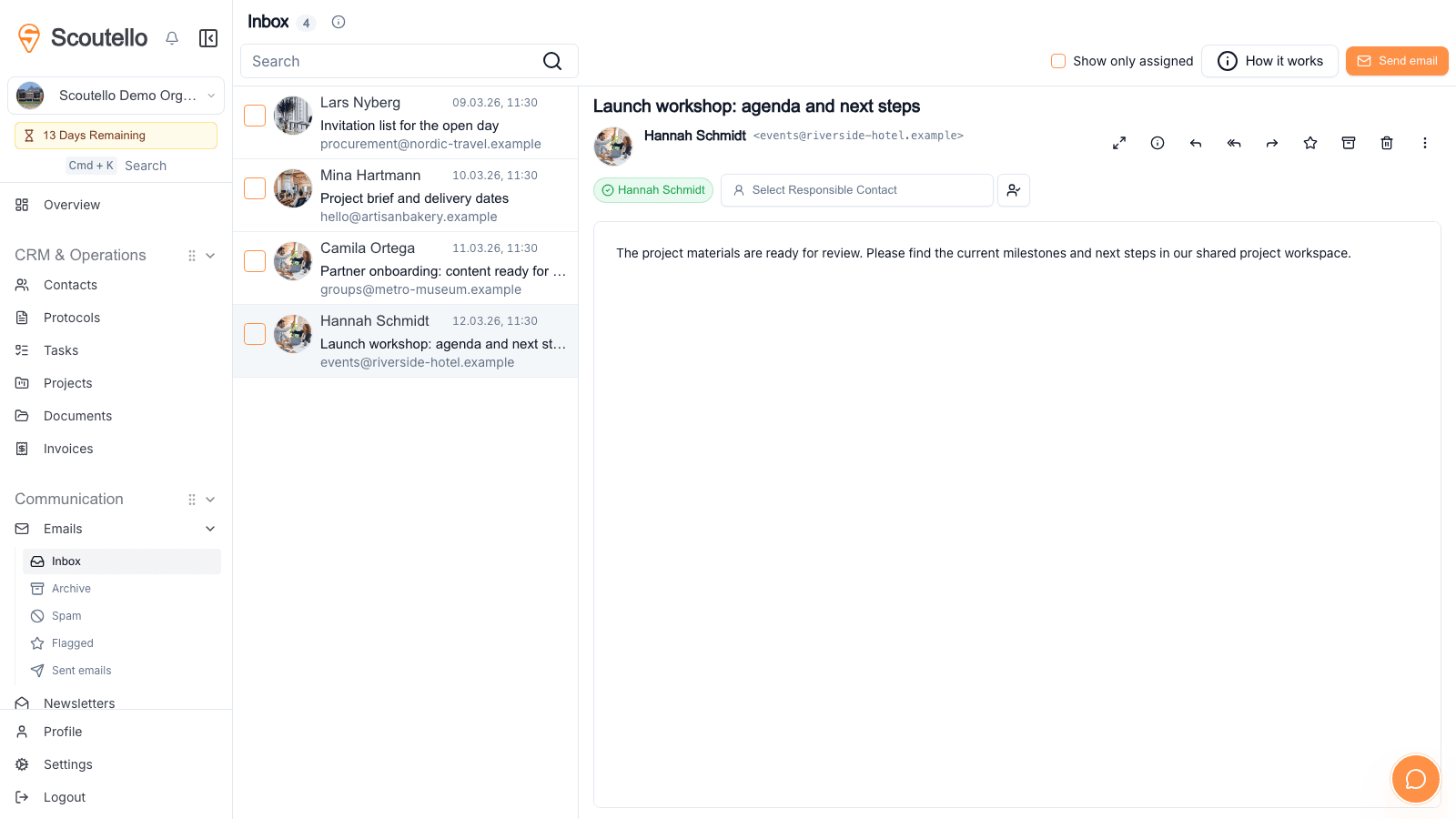
Manage email and newsletters alongside contact information. Shared communication gives the team a clearer view of what has already been discussed and what needs a reply.
03 / Deliver
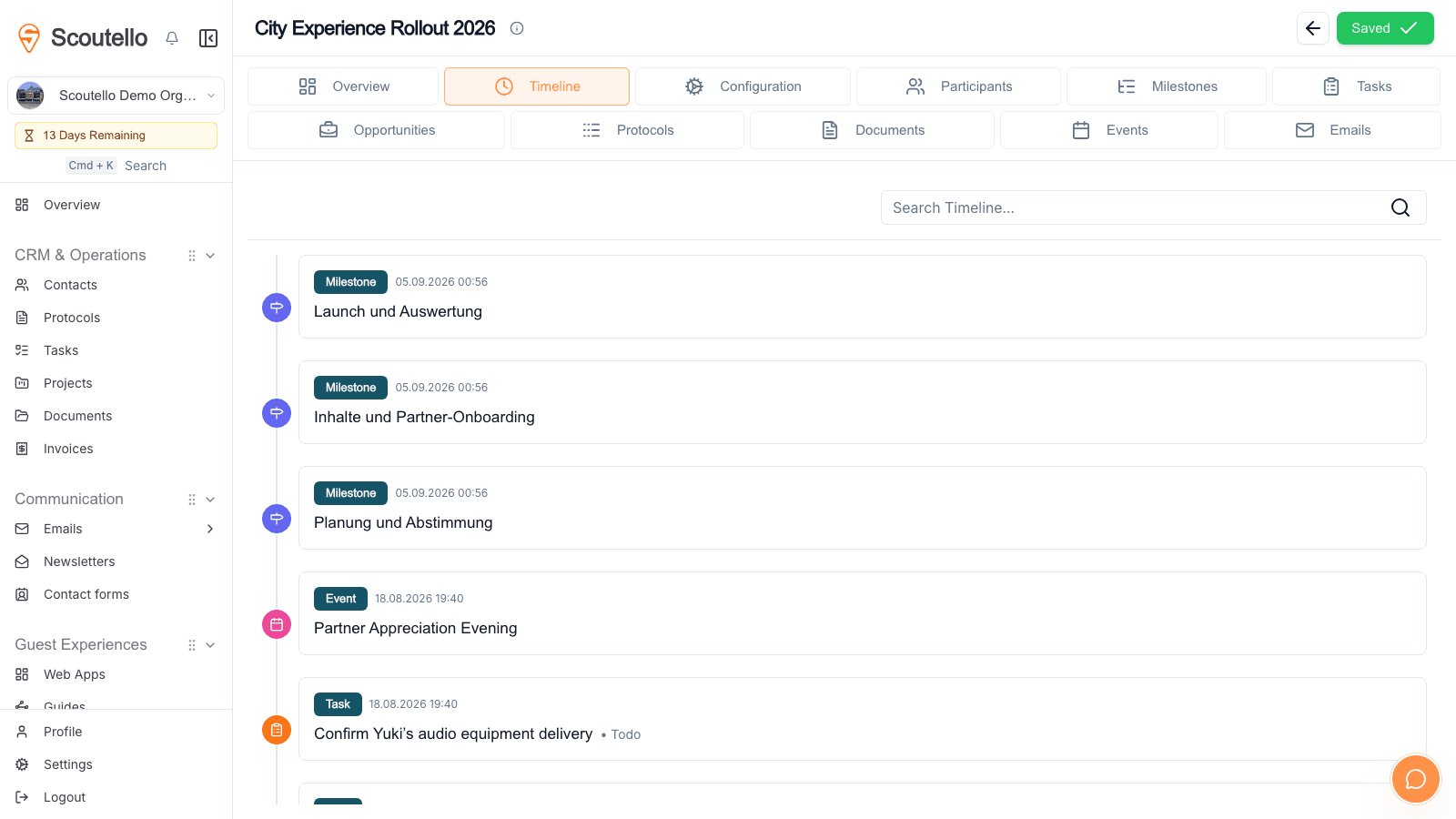
Connect projects, participants, tasks, and milestones. Move from the relationship to the work without losing the decisions and people behind it.
Built around the use case
Create and manage invoices from customer records, with document generation and payment status in the workspace.
Manage contract assignments and recurring billing alongside the customer relationship.
Store and connect relevant documents so the team can find the material behind a conversation or project.
Organize contacts into mailing lists and prepare newsletters within the same communication workflow.
Link event invitations and participation to contacts, keeping event activity in context.
Manage team permissions and use closed web apps when selected contacts need access to shared information.
06 / Invoices & Contracts
Bill individual services or manage ongoing contracts: invoices, online payments, and recurring billing remain connected to CRM contacts.
Create invoices directly for existing CRM contacts and send them via email with a PDF and payment link.
Manage membership fees, service packages, or other ongoing services as contracts and bill them monthly or annually.
Online payments require a set-up payment provider. The available payment methods depend on the organization's setup; a supported payment method is required for recurring contract payments.
Connecting guests and teams at









Before getting started
Yes. Contact import is available. Check the source fields, company relationships, and potential duplicates before bringing an existing contact database into the workspace.
Projects can connect participants, tasks, milestones, and documents. The team can organize delivery around the people and organizations involved.
Yes. Scoutello supports inbound and outbound email, templates, and mailing lists. Email setup and the relevant sending allowances should be reviewed before rollout.
Scoutello includes invoice and contract workflows linked to customers. Payment collection depends on the configured payment setup; review available methods and provider fees for the organization.
Yes. Start with contacts, communication, and team operations. Guest guides, tours, and events can be added when they become relevant.
BUILT AROUND THE JOB
Start selling paid guides for free, or choose modules, adjust usage and see the complete price.
CREATE & SELL
Create an account without choosing a module and sell paid tours or guides with no recurring subscription. The Guides module covers freely accessible guides with activations.
Includes: 20 published paid Guides and unlimited trial use.
Start for freestandard platform fee per sale; individual terms may differ
Payment processing is additional. Editorial services, distribution support and AI generation are not automatically included. Purchased guide access does not use a Guides subscription allowance.
The ongoing subscription can be cancelled monthly. Higher invitation capacity is available after payment; reductions take effect at the next renewal. Invitations already issued remain valid for later events.
Annual payment covers twelve months and saves 10% after the bundle discount. Monthly allowances do not accumulate across the year. Event emails earned through invitations remain available for that event.
Invitations count in the month they are first issued, even when the event takes place later. Each person counts once per event. Reducing the plan later preserves those invitations and their event-email allowance.
500 stored contacts are included, or 1,000 with the CRM module. Each additional 1,000 contacts costs €5 per month. CRM adds relationships, interaction history, opportunities and follow-up. The allowance applies once per organization.
When the purchased limit is reached, no further invitations can be issued until capacity is increased. Invitations already issued and existing event access remain available.
Known people are deduplicated by account or access token. Anonymous visits use a browser identifier; different devices may count separately. Staff previews, bots and duplicate imports are excluded.