All solutions

Digital tours & audio guides

Discover places. Experience stories.

Create self-guided routes, indoor audio guides, and experiences along designated routes. Combine maps, audio, stories, and interaction in one guide that accompanies visitors.

Fictional example · explore without registration or purchase
  • Outdoor & indoor
  • Audio & interactive stops
  • Free or paid experiences
Guests follow a digital tour route
Audio player at a tour stop

Build the route. Shape the experience.

For museums, attractions, cities, and tour operators. Choose the format that fits the place, then connect every stop into a coherent visitor journey.

  1. 01 / Create

    A route with a purpose.

  2. 02 / Explore

    More than a line on a map.

  3. 03 / Share

    Ready for the next visitor.

01 / Create

A route with a purpose.

Arrange stops, maintain stories, and define how visitors experience the tour. Formats for outdoor and indoor settings, as well as fixed routes, support different environments.

  • Combine places, routes, and stop content in the tour editor.
  • Use maps outdoors and a structured sequence for indoor experiences.
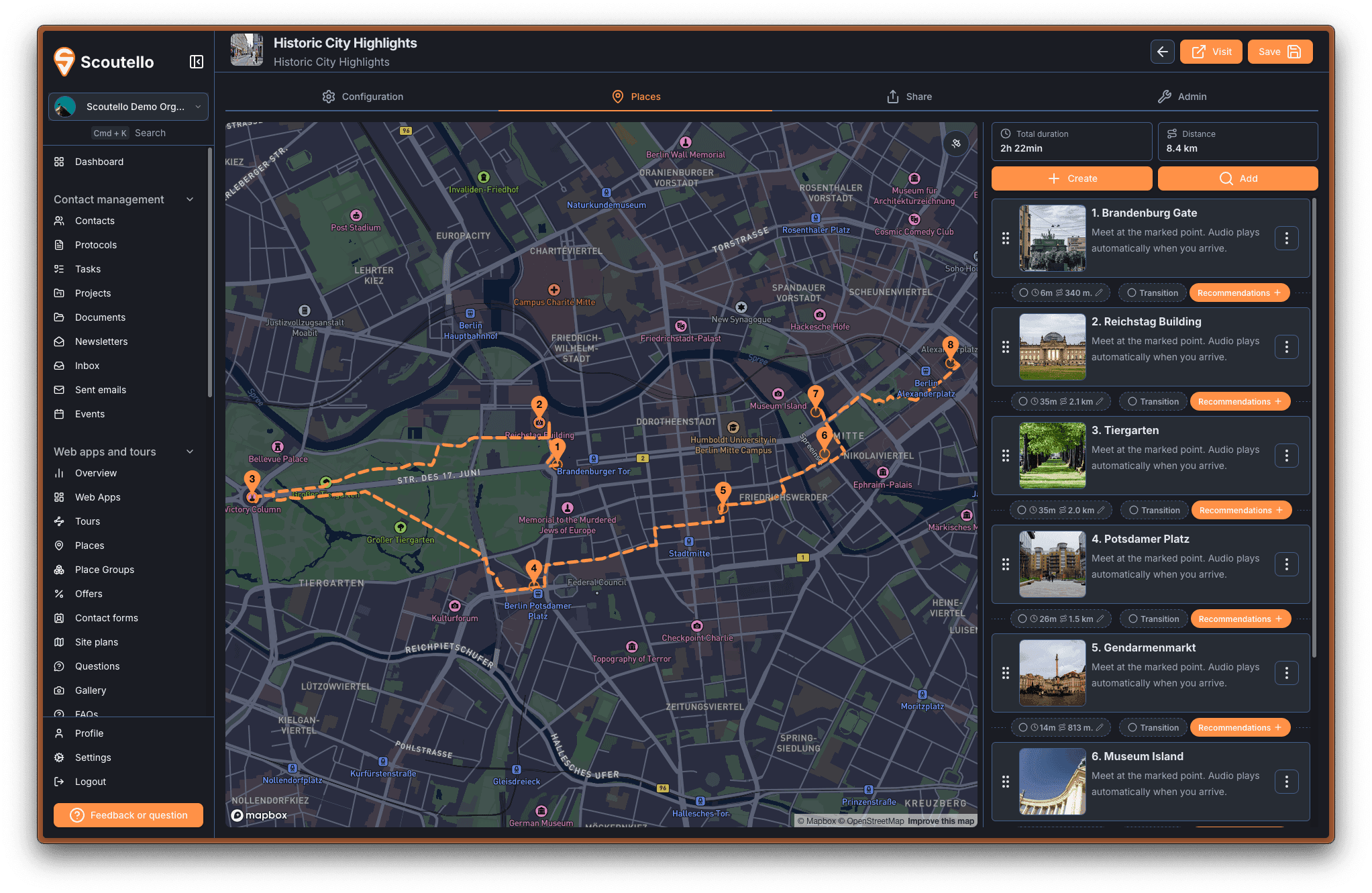
Tour editor with route stops and content
A route with a purpose.

02 / Explore

More than a line on a map.

Let visitors listen, look closer, and participate. Each stop can connect the story with audio, images, additional information, and a quiz.

  • Bring narration and supporting content into the same mobile guide.
  • Use questions and quizzes to make the visit more interactive.
Explore example tourFictional example · explore without registration or purchase
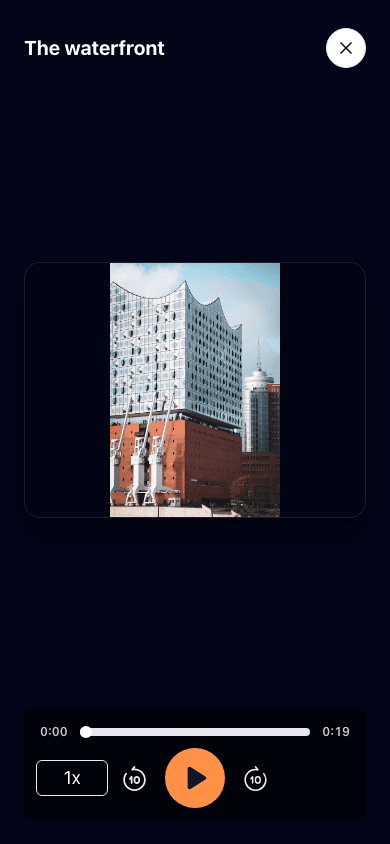
Tour audio and stop content
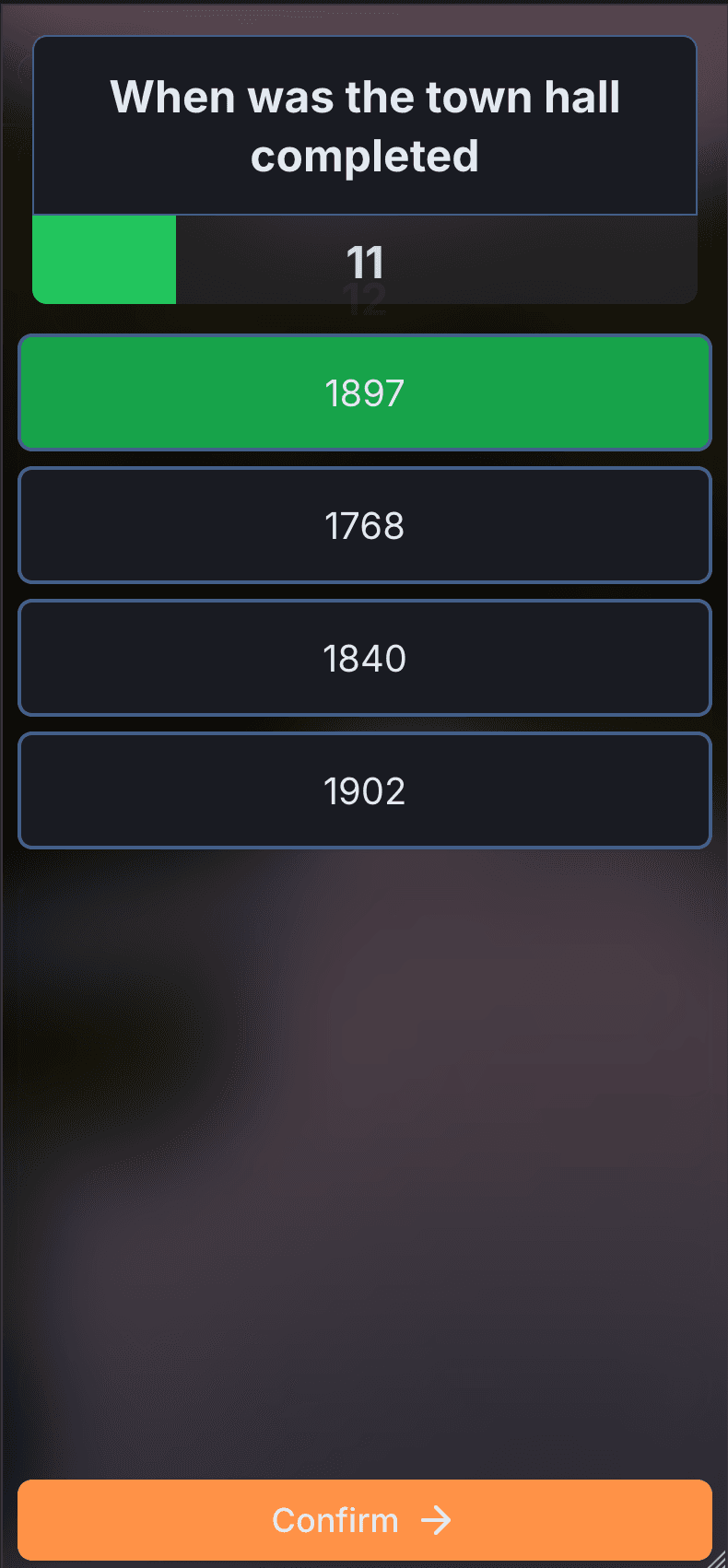
Interactive quiz in a tour
More than a line on a map.

03 / Share

Ready for the next visitor.

Publish a tour that visitors can open from a link or QR code. Offer free access or a paid experience, and keep the content current from the workspace.
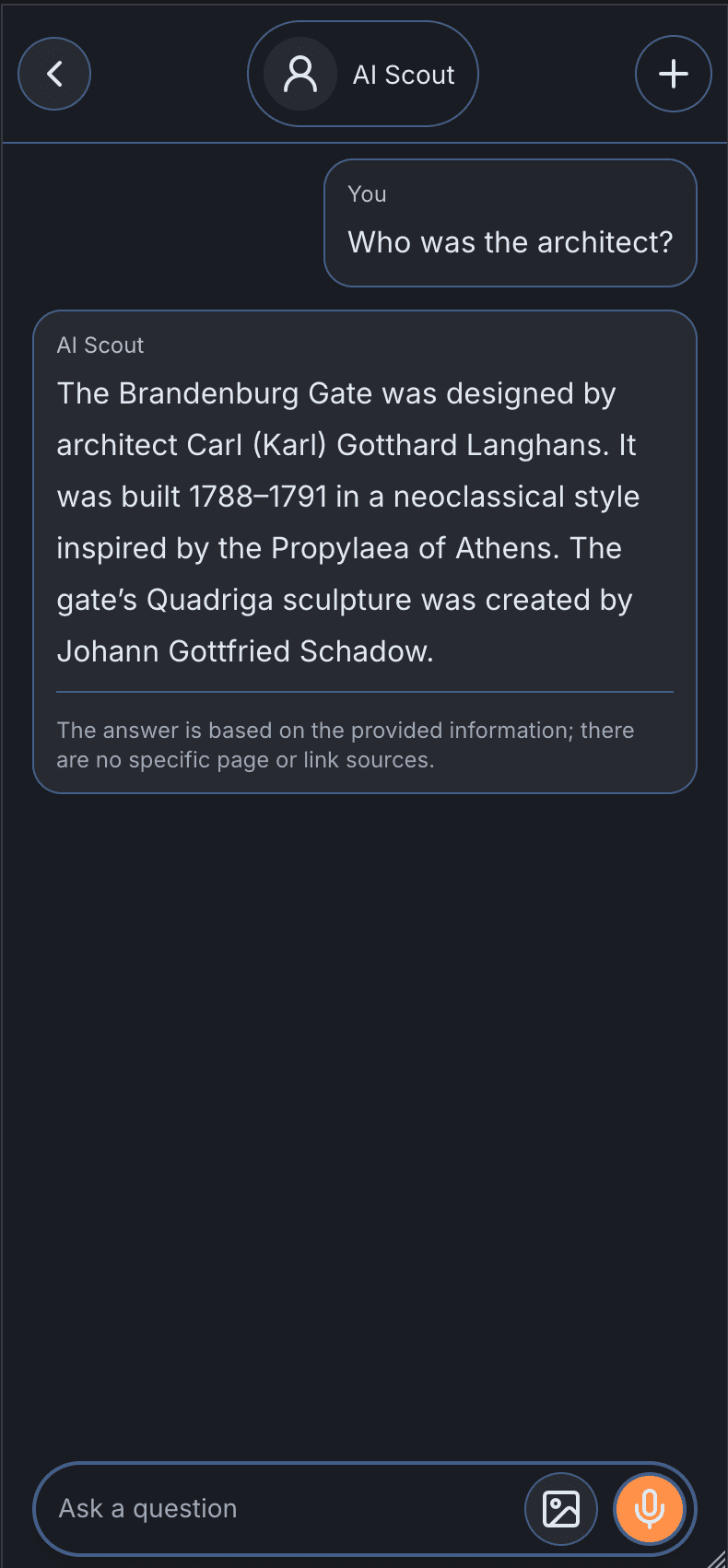
  • Translate maintained tour content into 31 languages.
  • Answer visitor questions with an assistant grounded in the tour content.
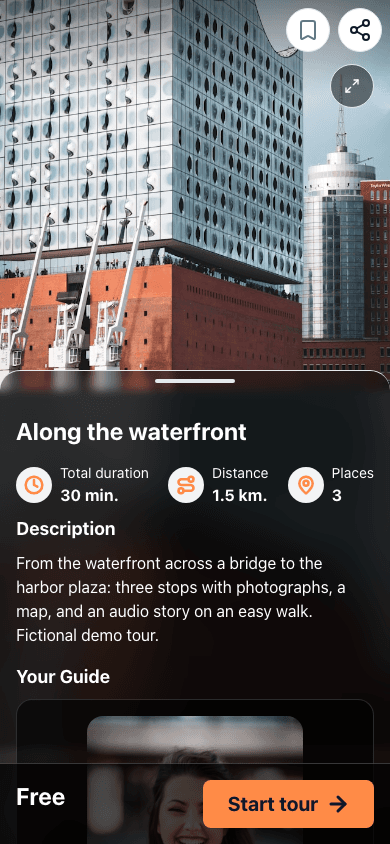
Tour details before starting the experience
Content-based assistant in a tour
Ready for the next visitor.

Built around the use case

The right format for the place.

Outdoor routes

Guide guests between real-world locations with maps, directions, and location-based stops.

Indoor audio guides

Build a sequence through exhibitions and attractions without relying on outdoor navigation.

Fixed-route experiences

Use a defined route for formats such as sightseeing trips and moving experiences.

Virtual exploration

Enable virtual starts for eligible free tours so visitors can explore remotely as well as on site.

Tour feedback and insights

Review tour activity and visitor feedback to understand how an experience is being used.

Shared group tours

Bring participants together in a shared tour and coordinate progress with readiness checks at the stops.

Connecting guests and teams at

Alster Touristik
Elbmeile
Hamburg Tourismus
Hamburg Pride
Hansemerkur
Leonardo
NYX
Panoptikum
Skål Deutschland
Stadtmanufaktur

Before getting started

Practical questions. Clear answers.

Which tour format should be used?

Outdoor routes fit experiences between places, indoor tours fit exhibitions and attractions, and fixed routes fit a defined moving itinerary. A demo can compare the formats using the intended route.

Can tours be sold?

Yes. Tours can be free or paid. Payment setup, applicable processing fees, and the intended sales flow should be reviewed before publishing a paid experience.

Can a tour be explored without being on site?

Virtual access can be enabled for eligible free tours. It is a separate setting from on-site navigation and is not automatically available for every tour.

What content is needed to get started?

Start with the route or stop list, descriptions, images, and any existing audio. Content can be extended with translated text, narration, quizzes, and additional information as the tour develops.

Can an example be tried in advance?

Yes. The example on this page contains fictional content. Information, maps, and audio can be explored without registration or purchase. A demo then shows how the team manages the content in the background.

BUILT AROUND THE JOB

Start with one.
Do more together.

Start selling paid guides for free, or choose modules, adjust usage and see the complete price.

Highest-priced subscription module at full price; 20% off additional modules.All prices exclude VAT.
01

A good starting point

Choose an example or build a combination from scratch.

Included for free

A shared foundation for modules.

Start free with paid guides and basic CRM. Modules add permissions, import and export, documents, basic analytics, their relevant web experience and standard product support. Storage is not charged separately.

  • Create and sell paid guides with no base fee
  • Basic CRM for contact management
  • 1 team seat
  • 500 stored contacts
  • 1 custom domain

Shared allowances apply once per organization, not once per module.

Adjust team seats

Accounts 2–10: €6.00/month; account 11 onward: €4.00/month. Shared across modules.

02

The right modules

Modules are optional. You can create and sell paid guides without a subscription.

  • Unlimited guest web apps with pages and maps
  • FAQs, recommendations and forms
  • Activities and offers
  • Build guides with stops and routes
  • Multilingual content and uploaded audio
  • Browser player and analytics
  • 30 real-time voice agent minutes included per month
  • Registration, invitations and check-in
  • Ticketing and attendee management
  • Event web app with agenda and maps
  • Keep contacts and conversation history in view
  • Track opportunities and next steps
  • Share tasks and documents with the team
  • Signup forms and audience segments
  • Create and send campaigns
  • Track unsubscribes and delivery
  • Create invoices and track payments
  • Corrections and payment reminders
  • Add recurring billing contracts
  • Plan projects and milestones
  • Assign tasks and ownership
  • Track progress and documents
  • Plan and schedule posts
  • Track publishing across connected channels
03

Room for actual usage

Active guests, guide activations, invitations, newsletter emails, and issued invoices have monthly quotas—even with annual billing.

Guides

€99.00 / month

One person per guide per calendar month; repeats and language changes count once. Activations across all guides are added to one shared organization allowance.

Reference prices and larger allowances
Guides · Reference prices and larger allowances
CapacityMonthly
1,000 guide activations per month€49.00
5,000 guide activations per month€99.00
20,000 guide activations per month€179.00
50,000 guide activations per month€249.00
+10,000 guide activations per month+€30.00
Operational emails included per month1,000

Optional additions and usage charges

More possibilities, when they are needed.

Recurring additions

€5.00 per additional 1,000 stored contacts per month. Newsletter emails are counted separately.

€5.00 per additional domain per month.

Credits and usage estimates

€5.00 per 10,000 prepaid emails with no expiry. Newsletter sending is counted separately.

€1.20 per 30 prepaid minutes with no expiry. Guides is required to use these credits; 30 minutes are included each month.

Bundle and annual discounts do not apply to these purchases. Organization discounts are included where available.

Onboarding

€199.00 for up to 2 hours of setup.

Bundle and annual discounts do not apply to these purchases. Organization discounts are included where available.

Product support

Product support

Support hours: business days (Monday to Friday), 09:00–20:00 Berlin time. The response clock runs only during these hours; it pauses outside them and resumes on the next workday. Response time means time to the first reply, not full resolution.

Billing period

Review configuration

Your configuration

€99.00/ month

Monthly

All prices exclude VAT.

One combined price. Every item visible.

Guides5,000 Guide activations per month€99.00
Product supportEmail · response within 24 support hoursIncluded
Recurring total€99.00/ month

Highest-priced subscription module at full price; 20% off additional modules.

10% annual subscription discount, after bundle savings

CREATE & SELL

An original guide. A path of its own.

Create an account without choosing a module and sell paid tours or guides with no recurring subscription. The Guides module covers freely accessible guides with activations.

Includes: 20 published paid Guides and unlimited trial use.

Start for free
€0.00 / month30 %

standard platform fee per sale; individual terms may differ

Payment processing is additional. Editorial services, distribution support and AI generation are not automatically included. Purchased guide access does not use a Guides subscription allowance.

The details that make a difference.

When can invitation capacity change?

The ongoing subscription can be cancelled monthly. Higher invitation capacity is available after payment; reductions take effect at the next renewal. Invitations already issued remain valid for later events.

How do annual payment and allowances work?

Annual payment covers twelve months and saves 10% after the bundle discount. Monthly allowances do not accumulate across the year. Event emails earned through invitations remain available for that event.

How do invitations for later events count?

Invitations count in the month they are first issued, even when the event takes place later. Each person counts once per event. Reducing the plan later preserves those invitations and their event-email allowance.

Do contact records require a CRM subscription?

500 stored contacts are included, or 1,000 with the CRM module. Each additional 1,000 contacts costs €5 per month. CRM adds relationships, interaction history, opportunities and follow-up. The allowance applies once per organization.

What happens when usage grows?

When the purchased limit is reached, no further invitations can be issued until capacity is increased. Invitations already issued and existing event access remain available.

How are repeat and anonymous visits counted?

Known people are deduplicated by account or access token. Anonymous visits use a browser identifier; different devices may count separately. Staff previews, bots and duplicate imports are excluded.

See Scoutello in action